How to Create a Personalized Torah Storybook for Your Child (Step by Step)
From a single photo to a printed keepsake - here is exactly how to turn your child into the hero of their own Torah adventure, with real screenshots of every step.
Published by Torah Tale.
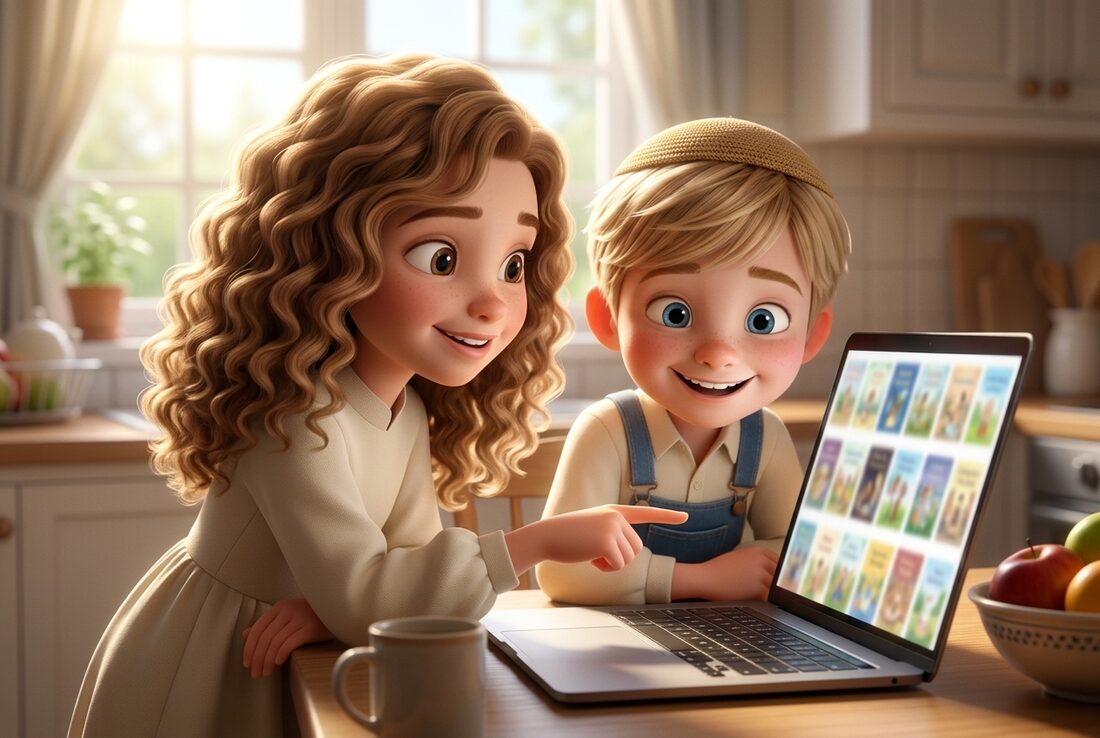
A personalized Torah storybook puts your own child inside a real Torah story - walking through the split sea, standing at Har Sinai, greeting the malachim with Avraham Avinu. It turns parsha learning into something a child looks forward to. Below is the whole process, screen by screen, with real screenshots from the Torah Tale book creator.
First: sign in
The book creator sits behind a free account, so the first thing you'll see is a sign-in screen. Creating the account takes a few seconds, and it's what lets us save your answers as you go, remember your child's details for the next book, and tie the finished book to your order. Come back a week later and your child is already there - the next book takes a fraction of the time.
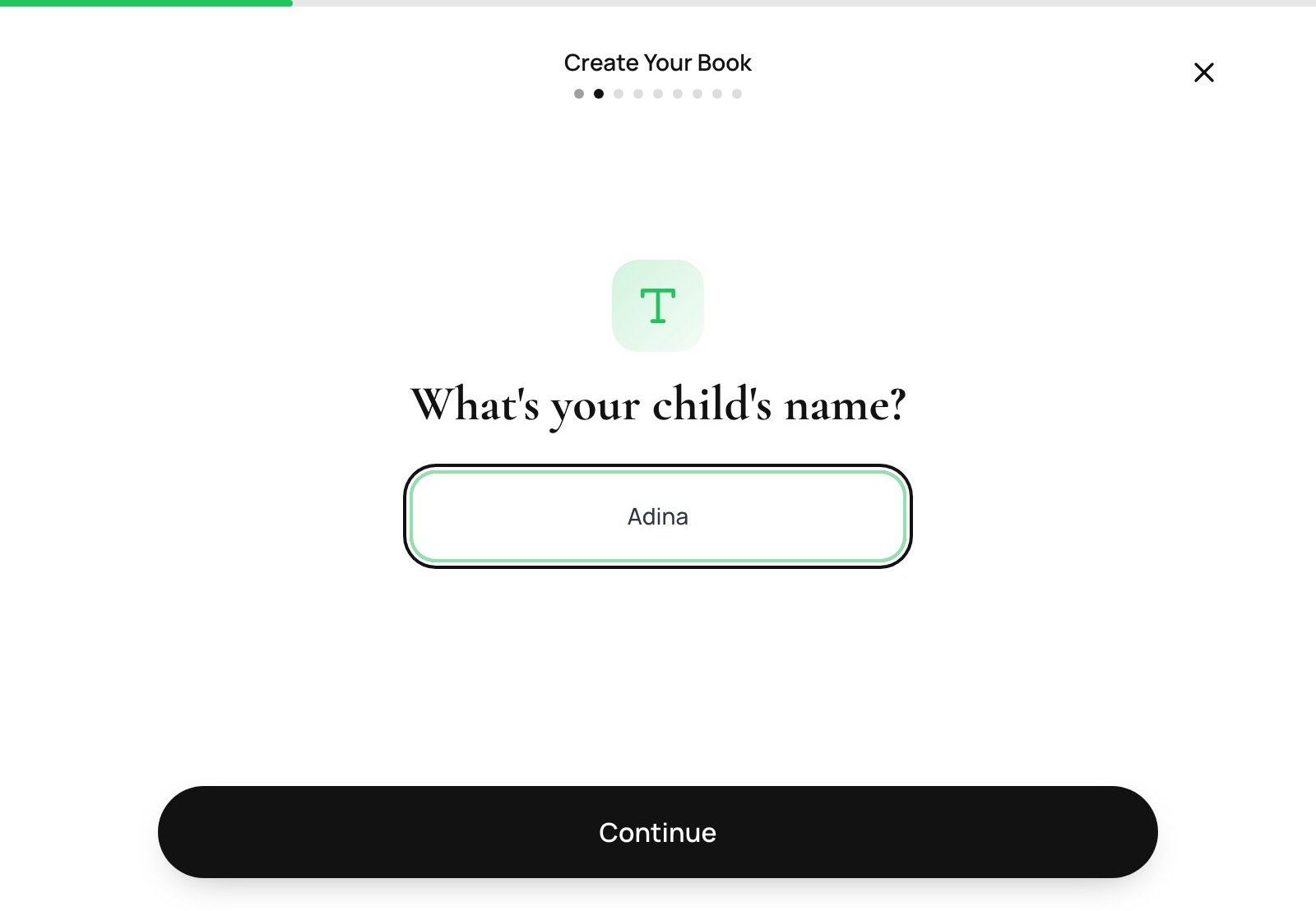
Step 1 - Enter your child's name
Type your child's name. This is the name that appears throughout the story and on the cover.
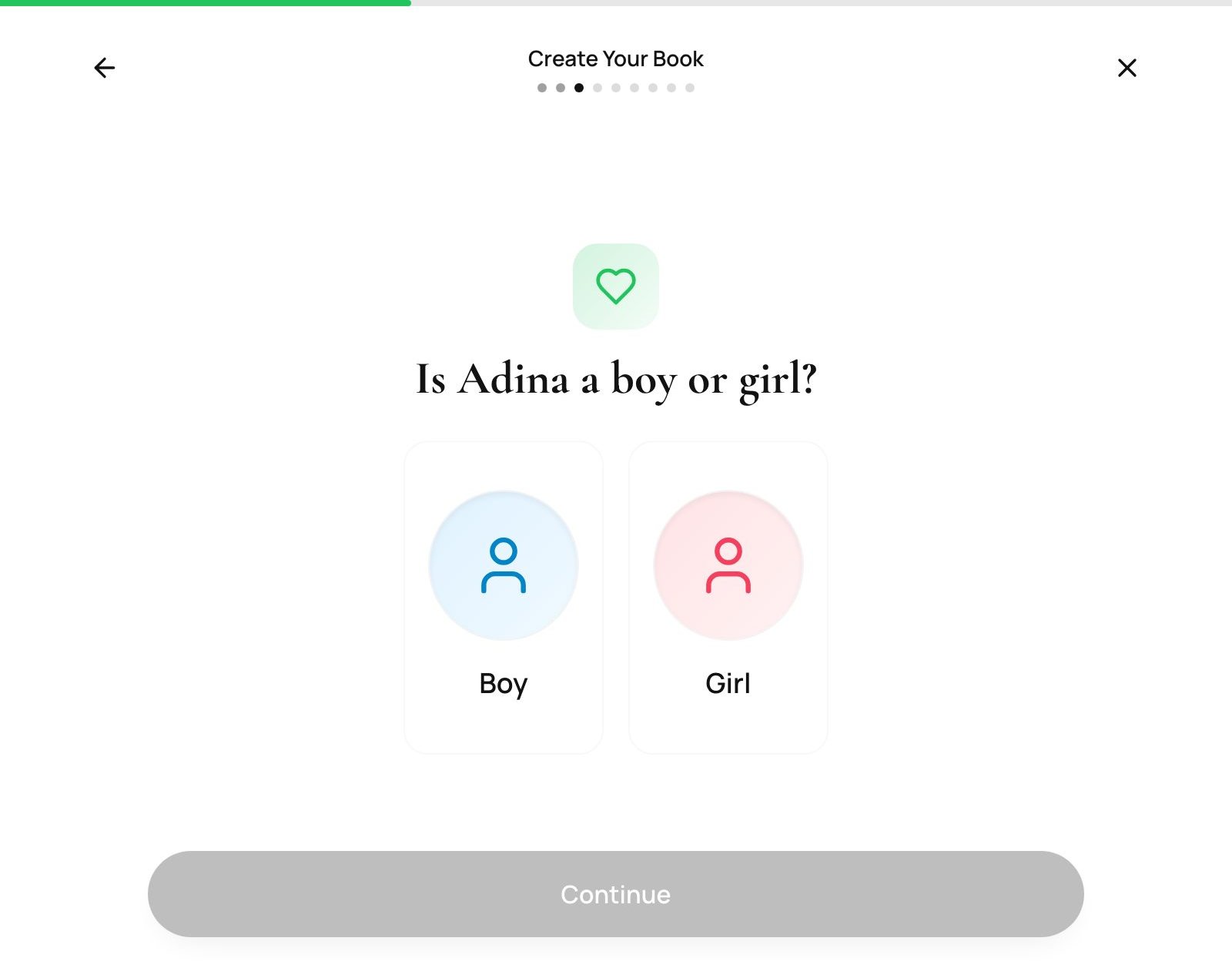
Step 2 - Boy or girl
One tap. This sets the character, the clothing and the storyline details correctly for your child.
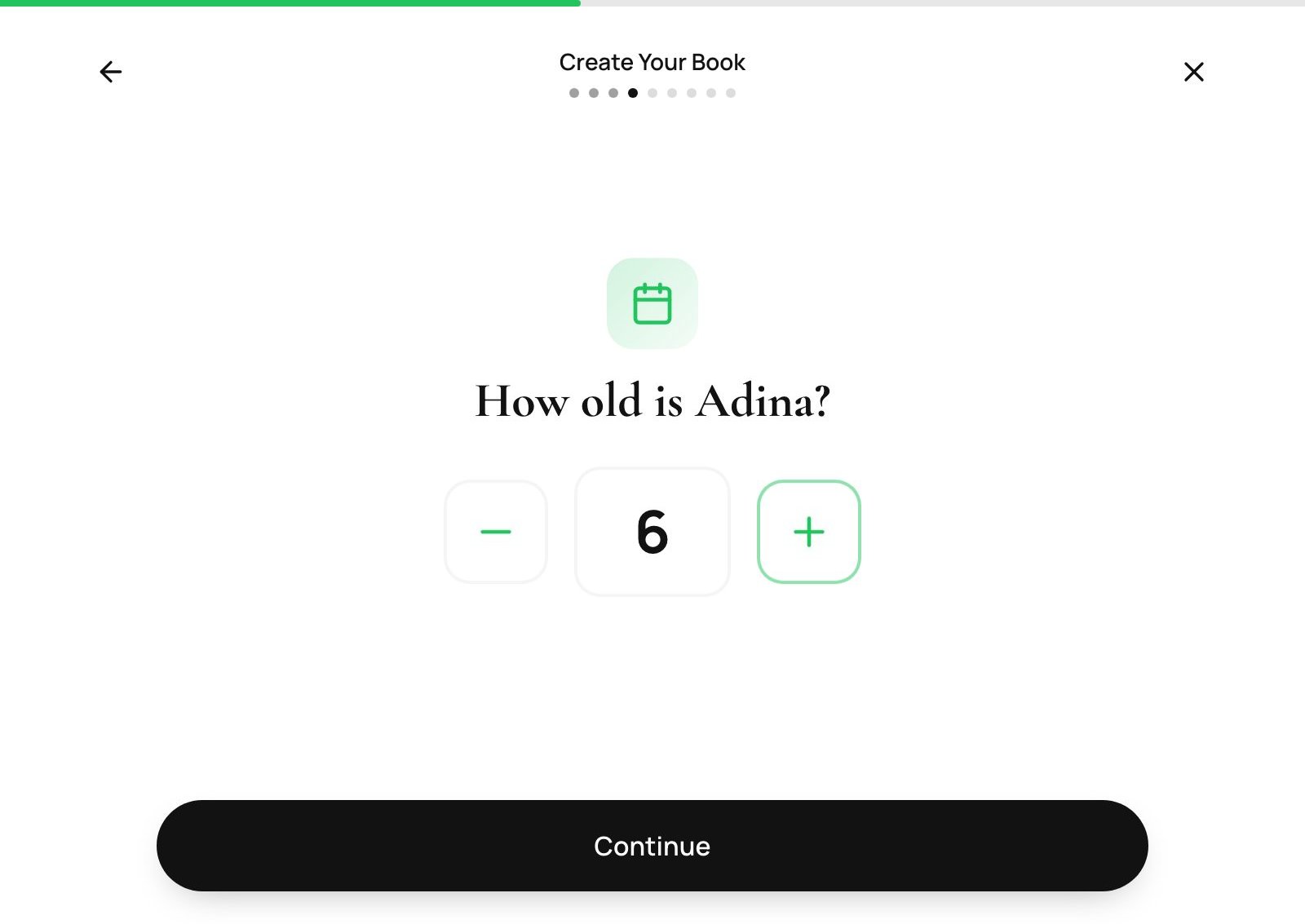
Step 3 - How old are they?
Tap up or down to your child's age, anywhere from 0 to 15. The age does two jobs: it shapes how the character is drawn and how the story is written, and it drives the format recommendation later on - sturdy board books for toddlers, bigger photo books for older children.
Step 4 - Upload a photo
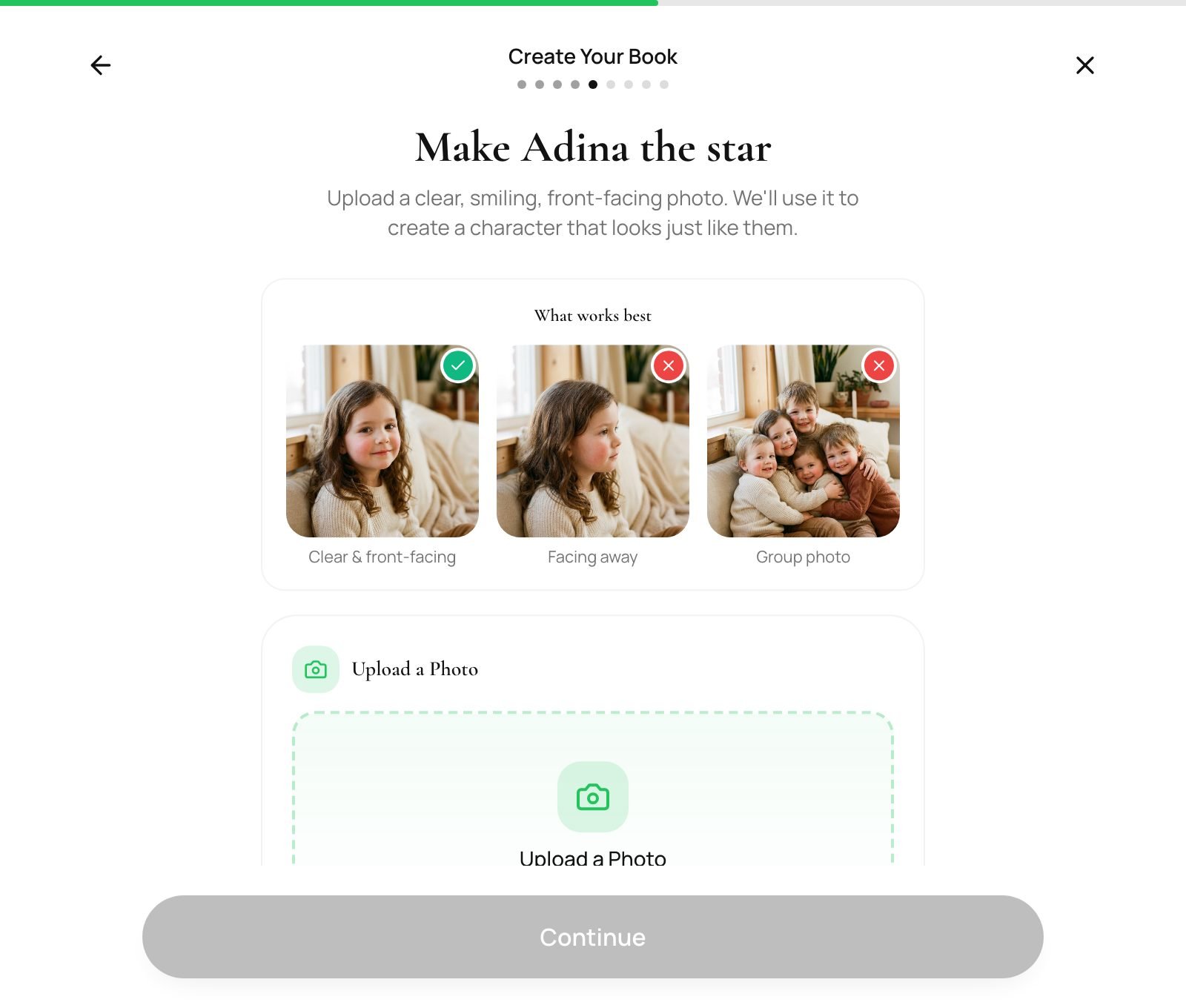
This is the part that makes the book theirs. Upload one clear, smiling, front-facing photo - we use it to create an illustrated character who looks like your child on every page. The screen shows you exactly what works: clear and front-facing is perfect; photos facing away, group shots and heavy shadows are not.
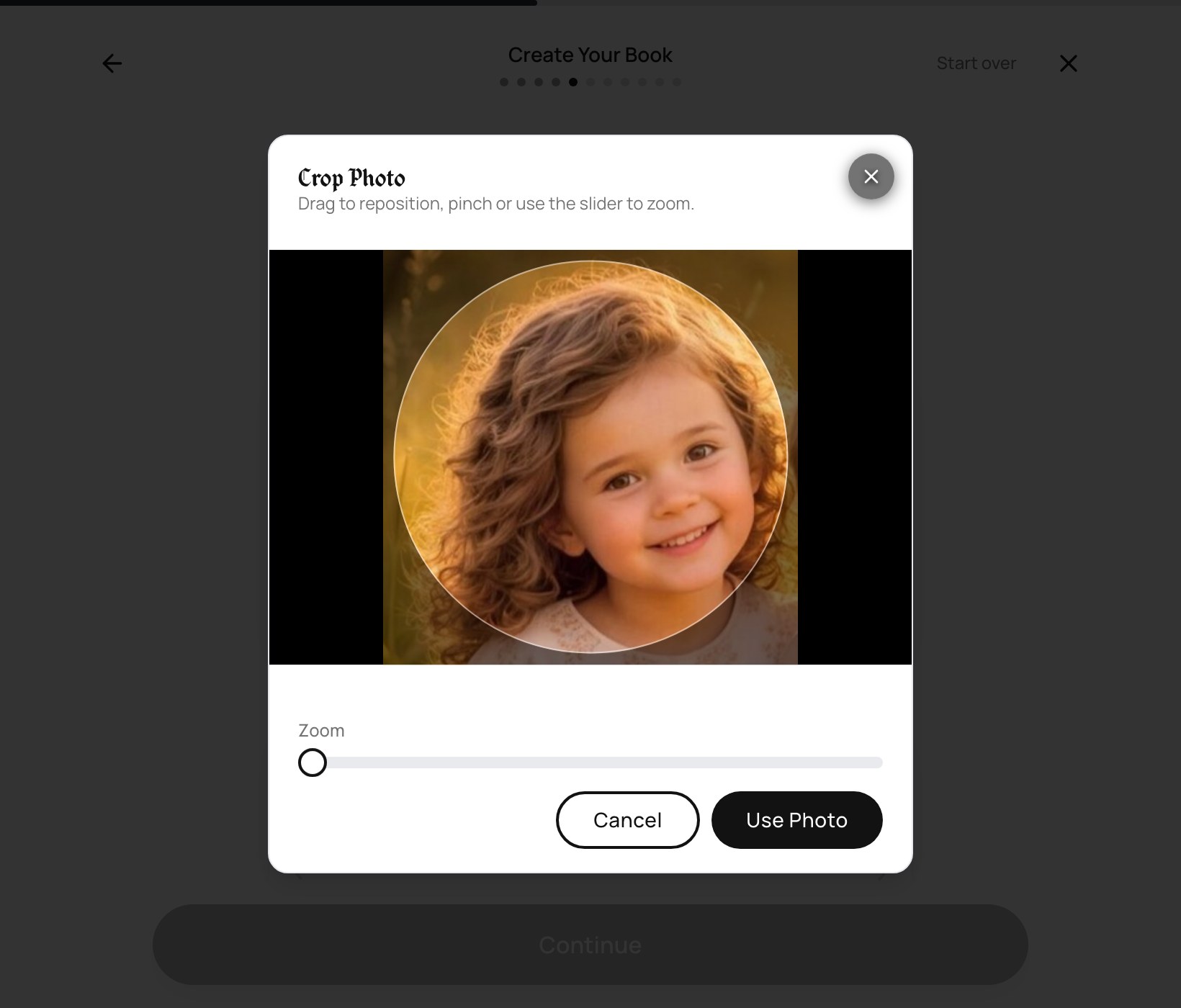
As soon as you choose a photo, a crop tool opens. Drag to reposition, pinch or use the slider to zoom, and put the face inside the circle.
Step 5 - Any brothers or sisters?
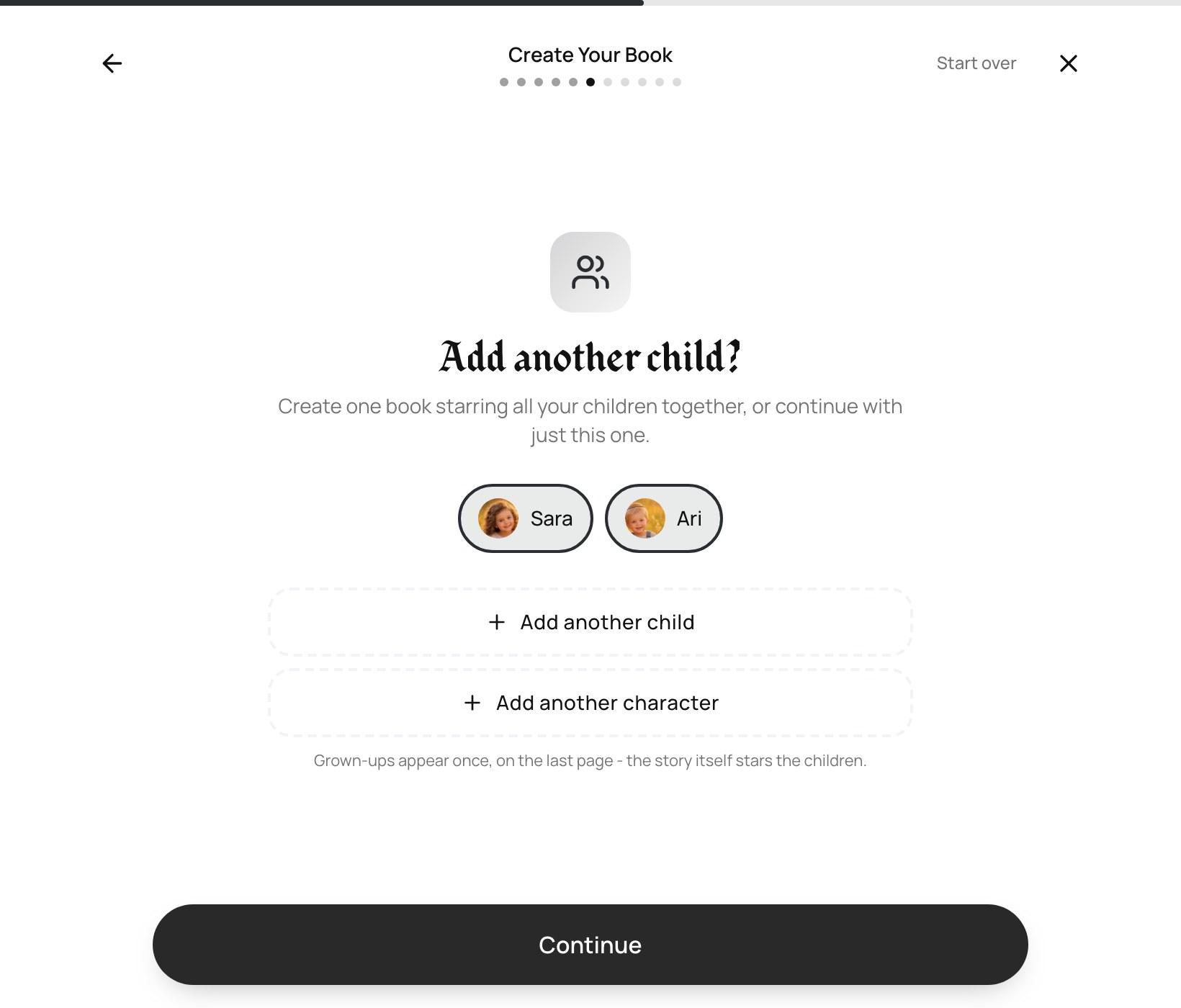
Next you're asked whether to add another child. You can put up to four children in the same book, and each one appears in the illustrations - which is what makes a single book work for a whole family rather than starting an argument. Adding a sibling loops you back through name, gender, age and photo for that child.
Step 6 - Choose the story
Next week's parsha is offered first, with a live countdown - "order within 1d 13h 52m for delivery before next week's Shabbos". That deadline is real: it's the time we need to write, illustrate, print and ship the book so it's on your table for that Shabbos. On a double-parsha week (like Matos-Masei), the book covers both together.
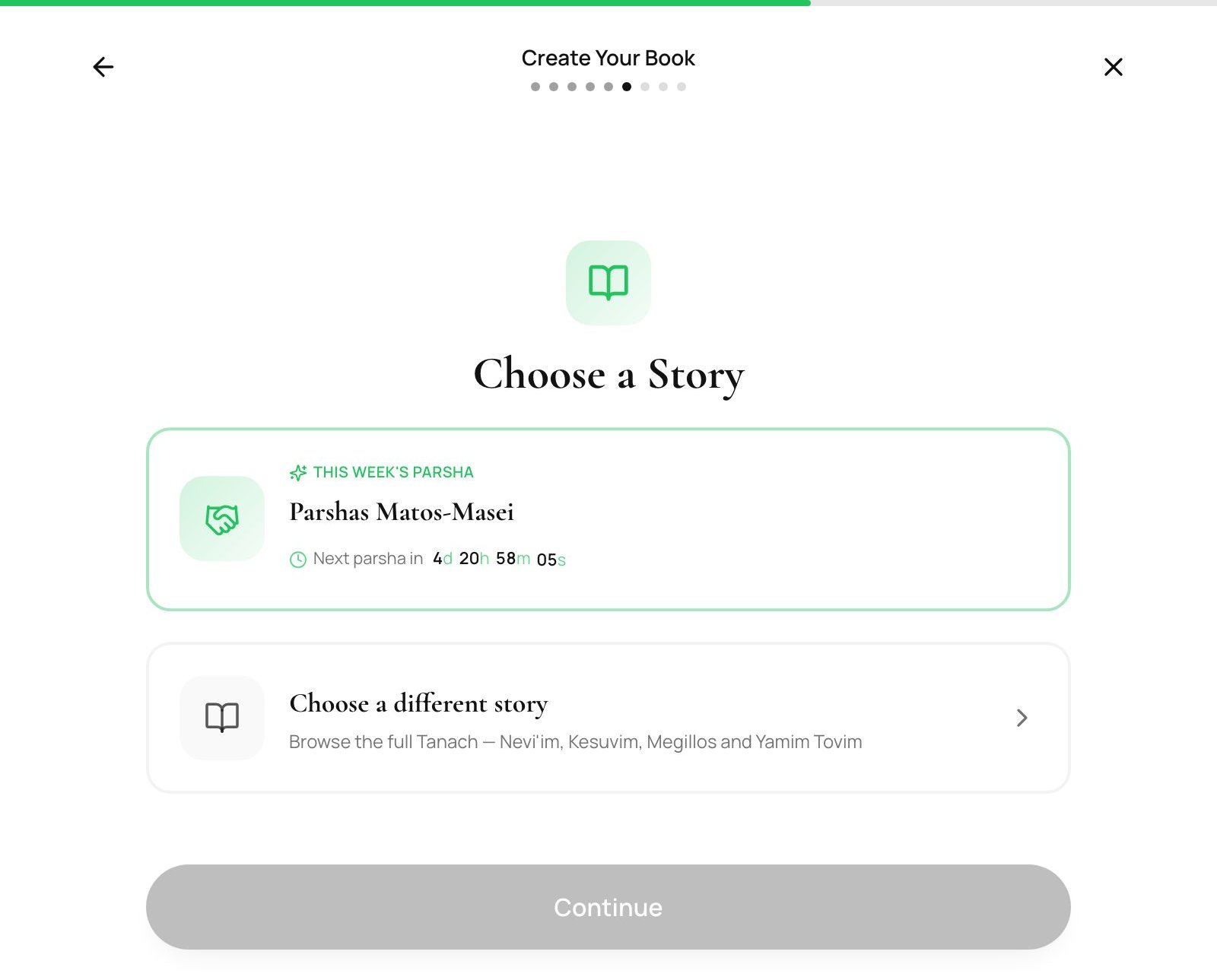
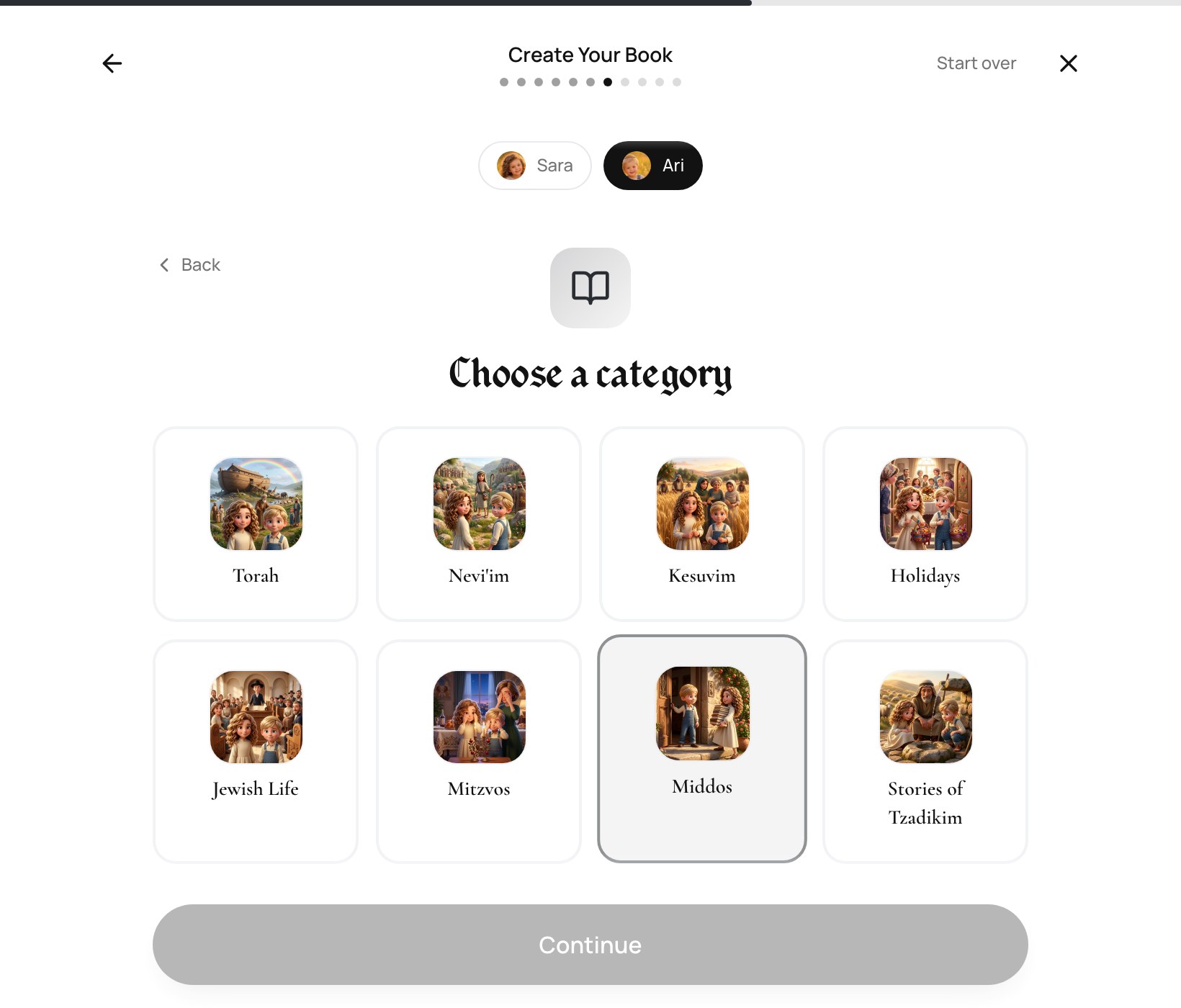
Want something else? Tap "Choose a different story" and browse the seven collections: Torah, Nevi'im, Kesuvim, Holidays, Jewish Life, Mitzvos and Stories of Tzadikim - the mitzvah stories are set in everyday life, like saying thank you, making peace with a friend, or giving tzedakah.
Step 7 - Pick the language
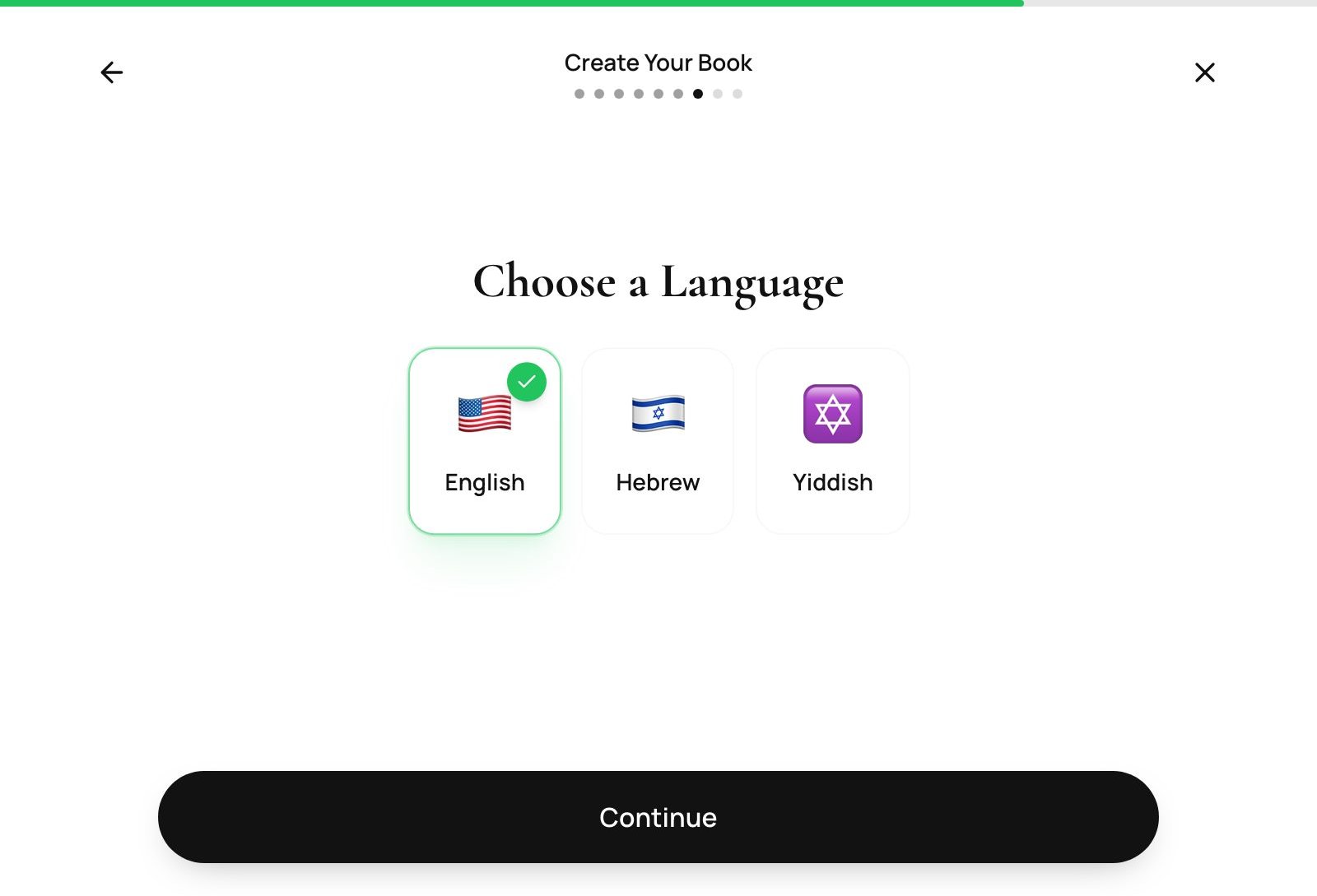
Torah Tale books come in English, Hebrew and Yiddish, and you can select up to two - useful for a bilingual home, or for grandparents who'd rather read it in Yiddish.
Step 8 - Choose your book (don't skip the coloring book!)
Last question: how the story gets printed. The screen recommends a format for the age you entered and shows the size and price of each.
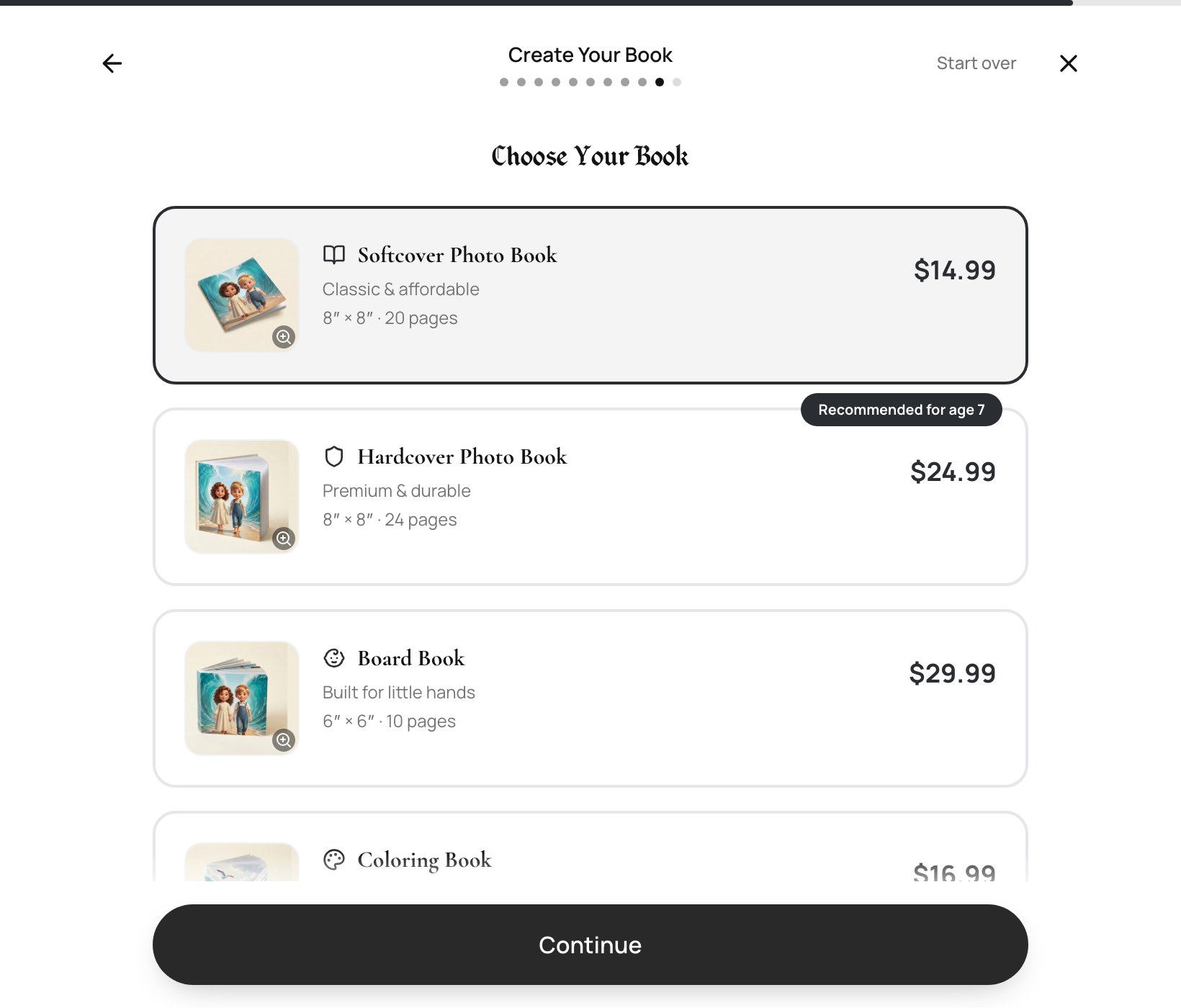
- Softcover Photo Book (8″×8″) - classic and affordable, on smooth semi-gloss paper. Recommended for ages 4-8.
- Hardcover Photo Book (8″×8″) - premium case-wrap binding with lay-flat pages. The most popular gift option, for ages 5-12.
- Board Book (6″×6″) - thick chipboard pages with rounded safety corners, built for the littlest hands (ages 2-4).
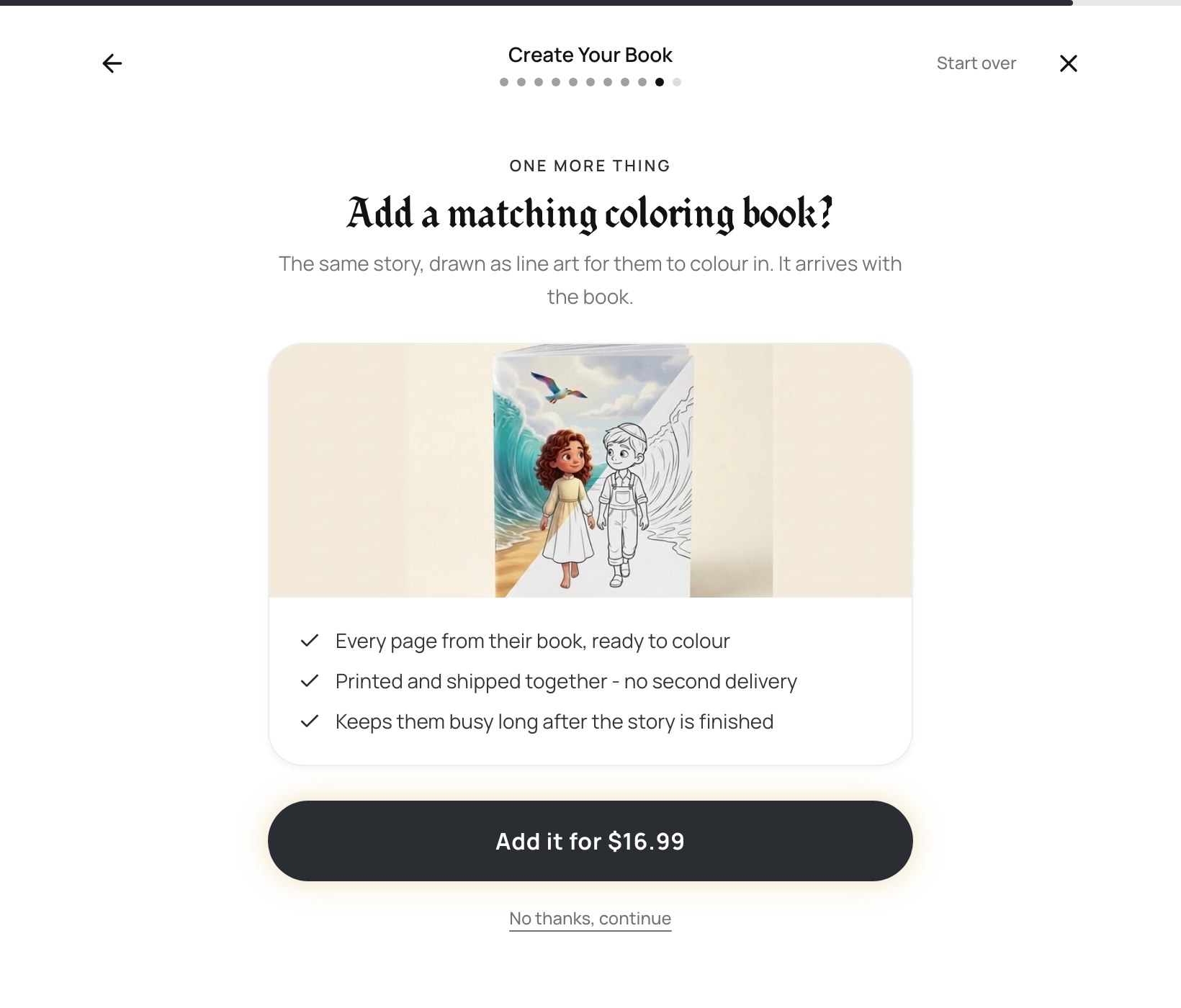
- Coloring Book add-on (8.5″×11″) - the same story in black-and-white line art, so your child can color their own adventure. Optional with any format, and one of the most-loved extras.
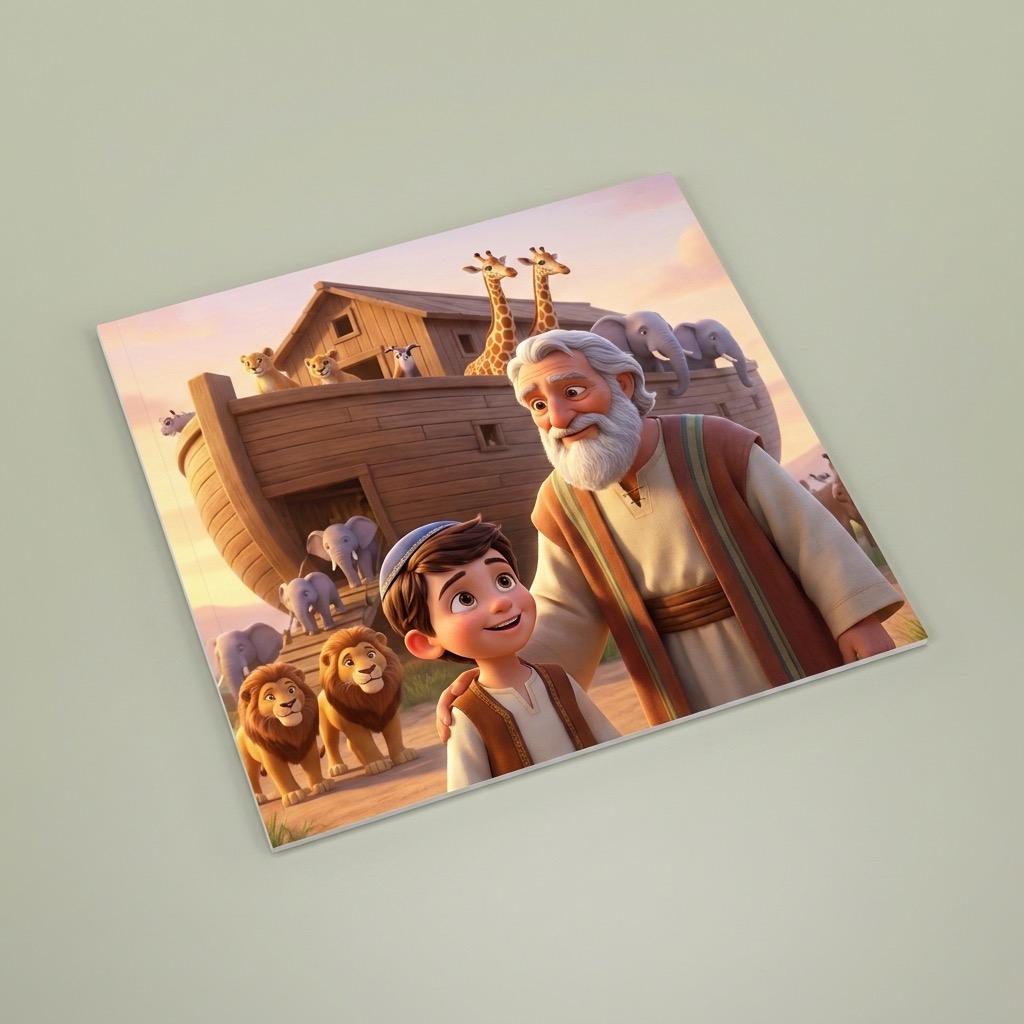
Softcover 8″×8″
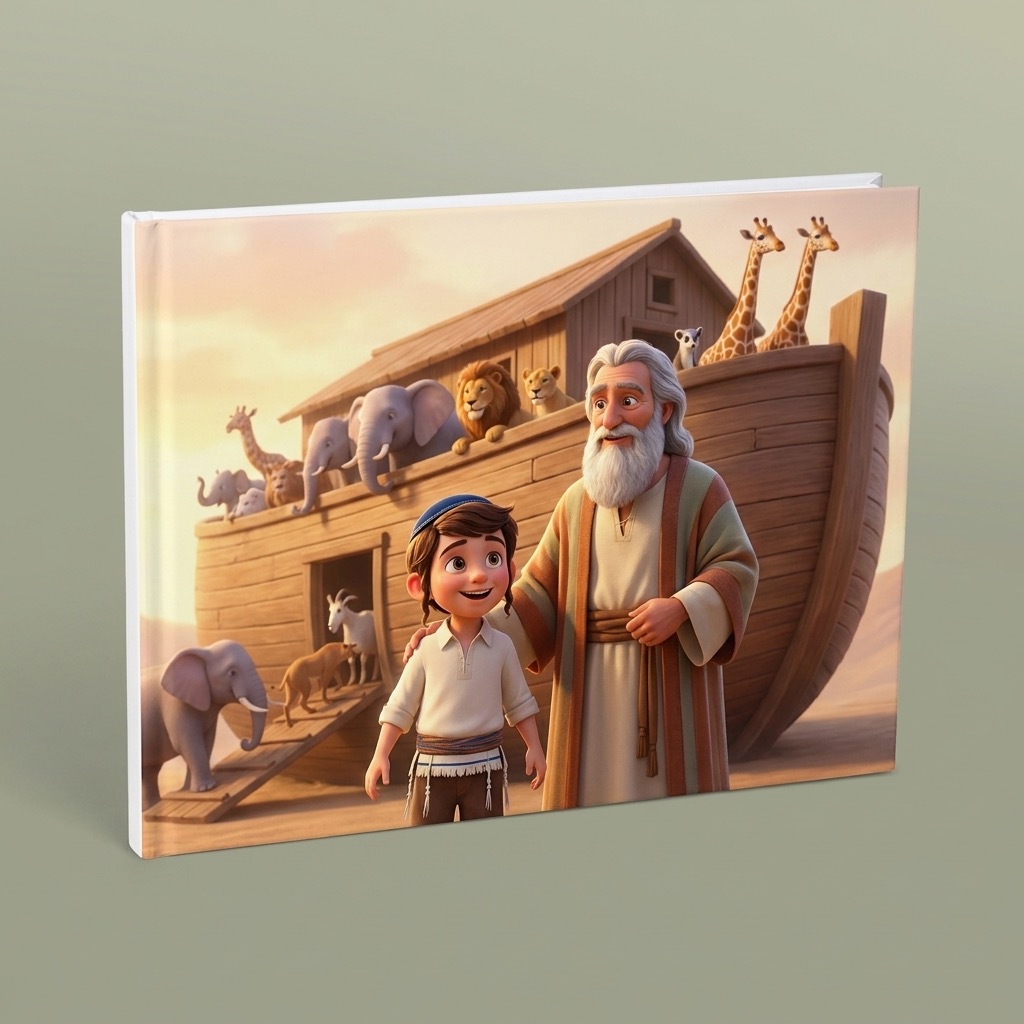
Hardcover 8″×8″
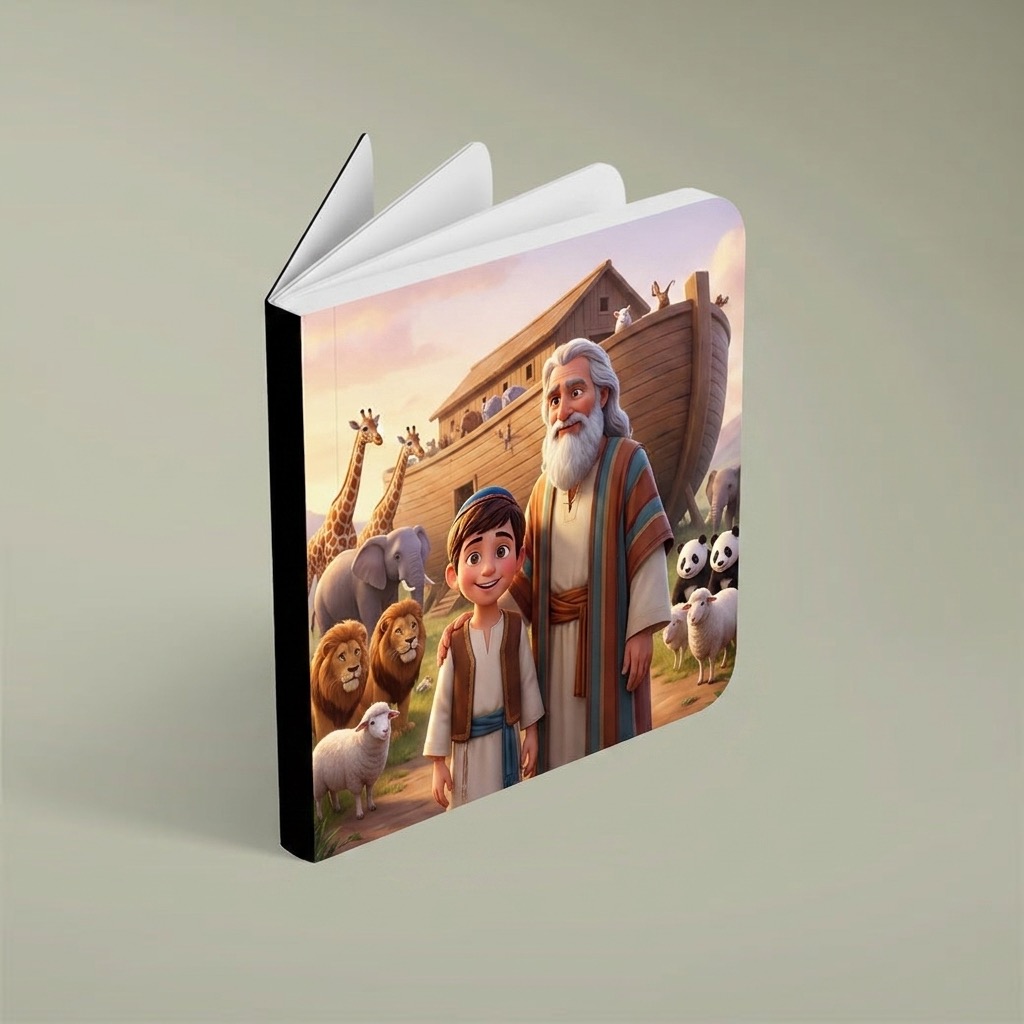
Board book 6″×6″
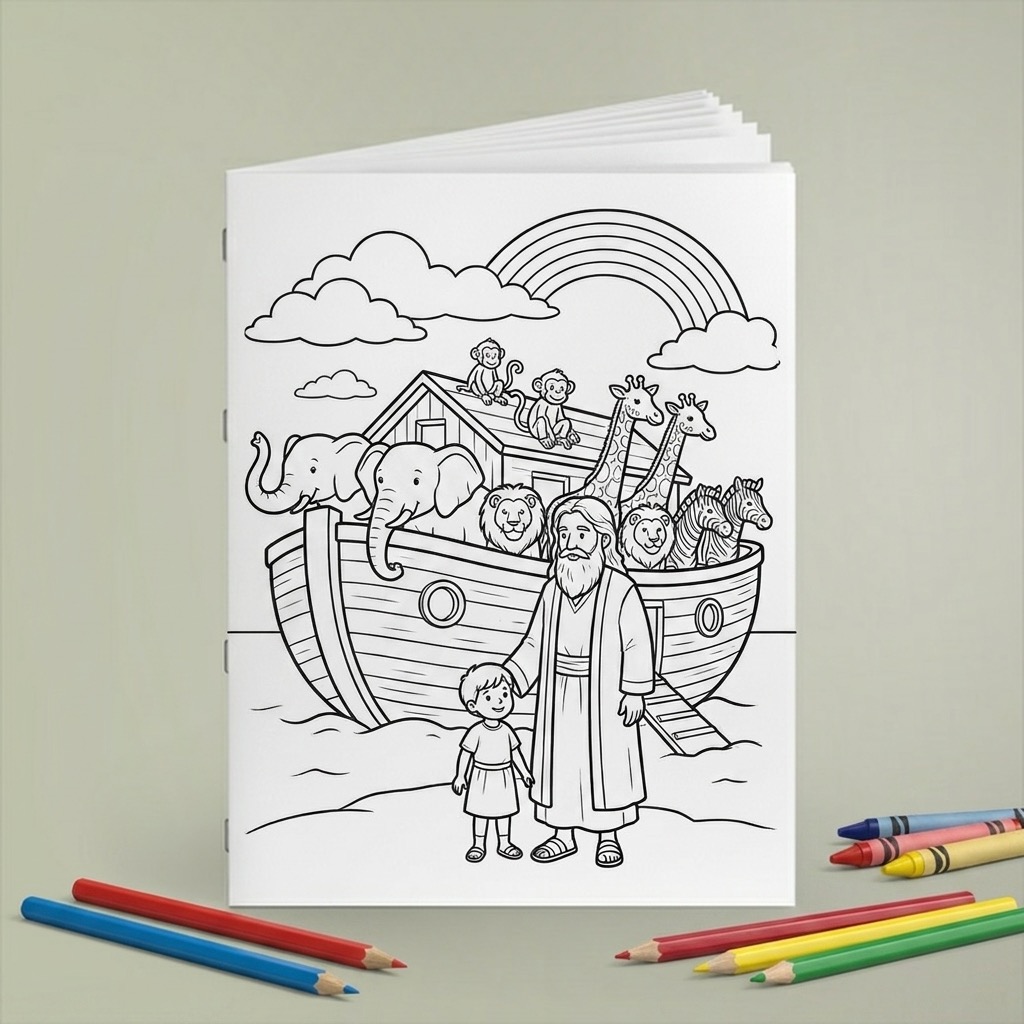
Coloring book 8.5″×11″
Once the format is chosen we ask one more question: whether to add the matching coloring book. It is printed and shipped with the storybook, so it arrives in the same parcel rather than as a second delivery. "No thanks, continue" carries straight on - the offer is made once and never again.
Step 9 - Checkout, once or by subscription
At checkout you choose how you'd like to receive books: a single custom book, or a subscription - the Parsha Series (4 books a month, shipped together in one delivery) or a Year Bundle. US standard shipping is $3.00 (5-8 business days) and express is $6.00 (3 business days); we ship worldwide, with rates shown at checkout. See pricing and subscription options for the current plans.
What happens after you order
Your book is written and illustrated in our signature high-resolution 3D Pixar style, with the actual events of the story unfolding page by page and a clear middos lesson woven through. Every book is created with careful rabbinical guidance and strict tznius, and our team personally reviews it before it goes to print - so you can hand it to your child with confidence. You'll get an email when it ships, with tracking.
Ready to start?
The whole process takes about five minutes. Create your child's Torah storybook now, or see pricing and subscription options. Not sure which story to pick? Read how to choose the weekly parsha for your child's book, or browse gift ideas for birthdays, an upsherin and Yom Tov.
Frequently asked questions
How long does it take to make a personalized Torah storybook?
About five minutes. There are eight short questions - name, gender, age, photo, siblings, story, language, and book format - and each answer is saved as you go, so you can stop and pick it up later.
Do I need an account to create a book?
Yes. The book creator opens after you sign in with a free account, which is what lets us save your progress, keep your child's details for the next book, and attach the order to you.
What kind of photo works best?
One clear, front-facing, smiling photo with the face well lit - the same photo you would send to a grandparent. Group shots, profiles, sunglasses and hats make it harder to draw a likeness that looks like your child. A crop tool opens right after you upload so you can frame the face.
Can I put more than one child in the same book?
Yes, up to four. After the photo step the wizard asks whether you want to add another child, and each one you add appears in the illustrations.
Which parsha does it suggest?
Next week's parsha, not this week's - with a live countdown showing how long you have to order for the book to be printed and delivered before that Shabbos. You can pick any other story instead.
When do I choose hardcover, softcover or board book?
After the language step, on the "Choose Your Book" screen. It recommends a format based on the age you entered, shows the size and price of each, and lets you add the matching coloring book.